PCB RTC
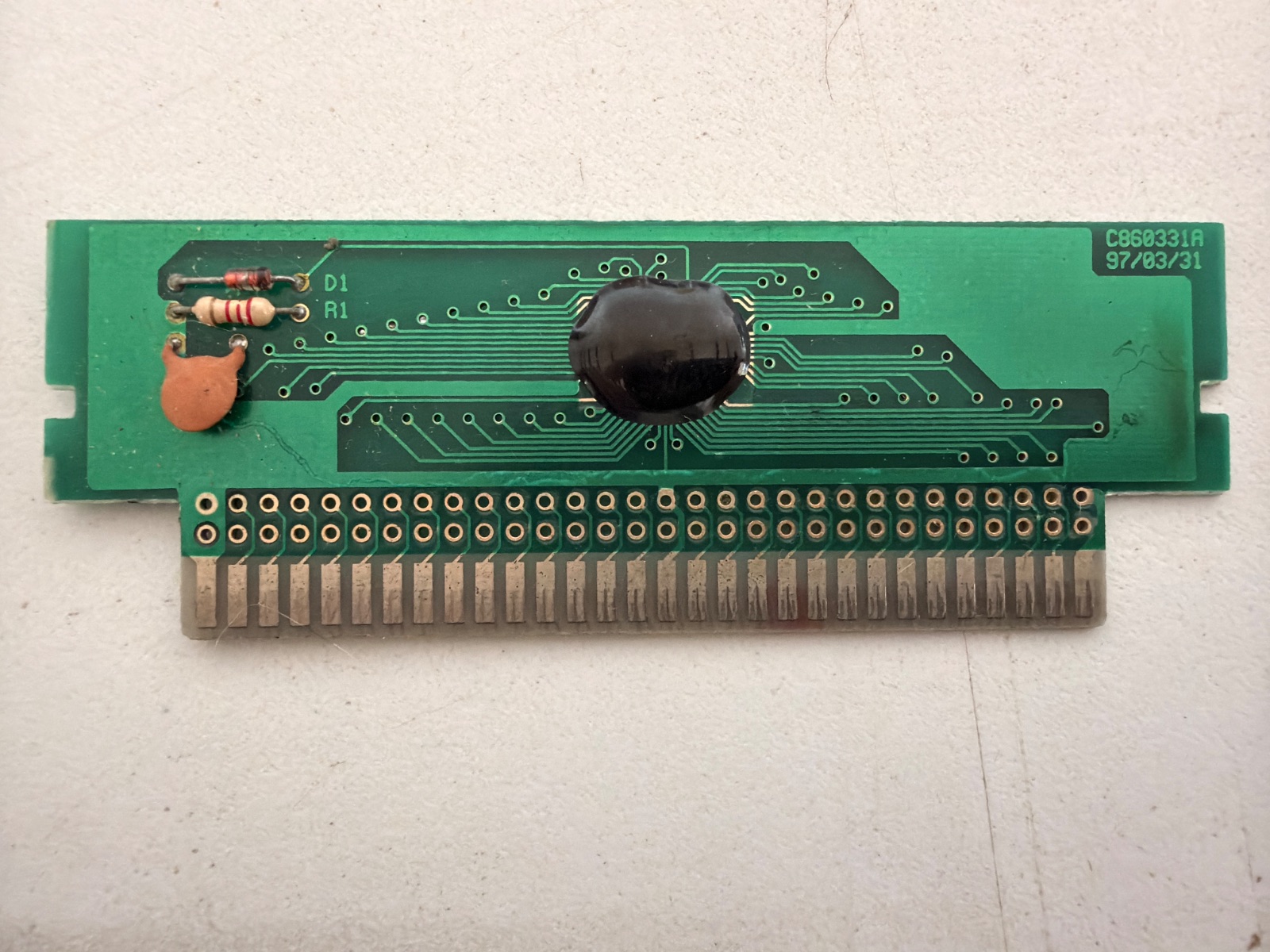
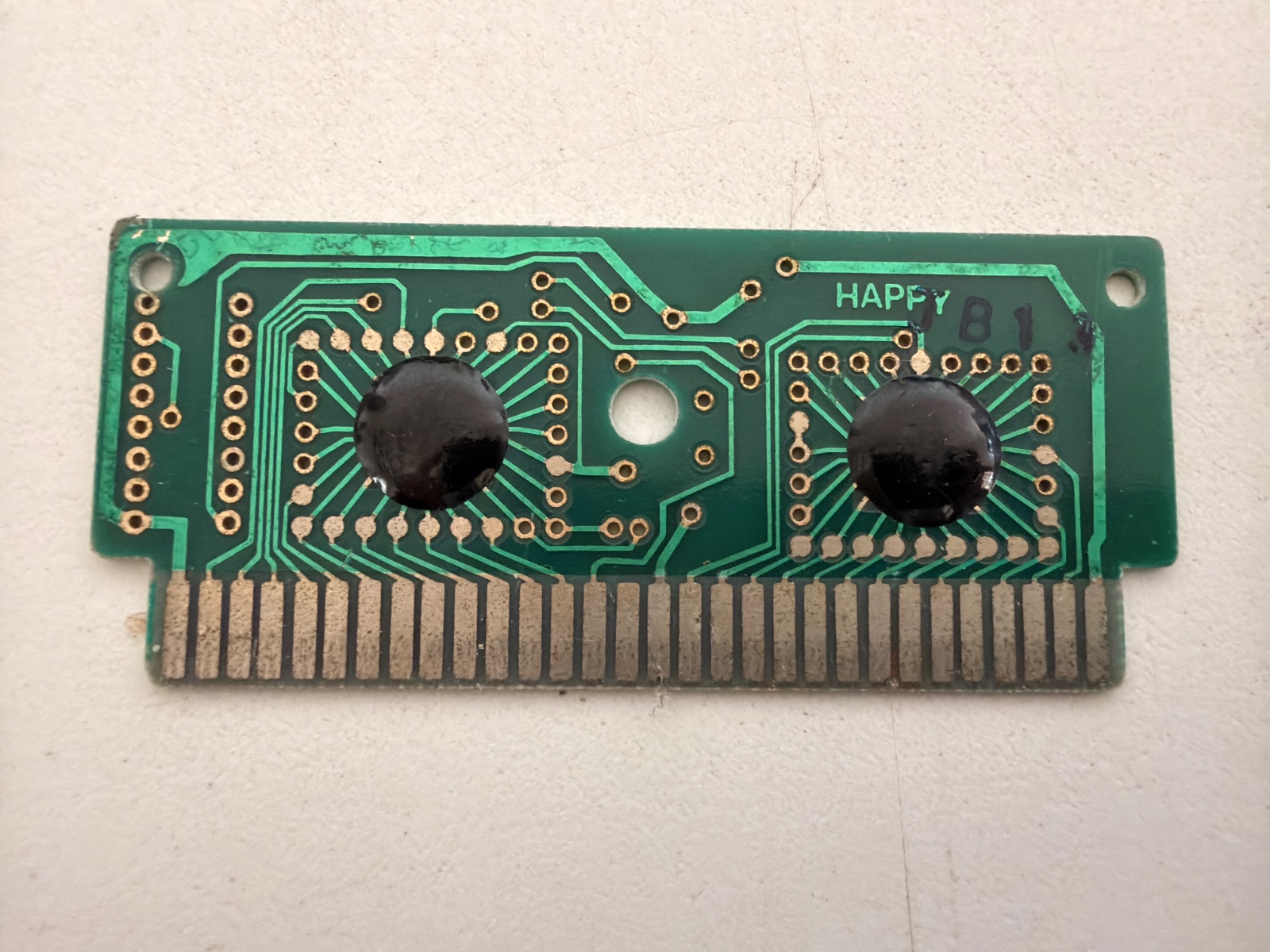
Got an old game cartridge and ever wondered what's going on inside it? Photograph its board, front and back, and trace it — follow the copper with your eyes and a cheap multimeter, and the tool turns what you prove into a real map. Red dots turn green as the wires earn their place. No experience needed, nothing to install: it all happens right here in your browser.
SHOW ME HOW — WALK ME THROUGH MY FIRST BOARDnever traced anything before? take the walk-through — it opens a real board and lights up one thing at a time. Or scroll down and play with an example.
Two photos and you're tracing. Your photos and your map stay in this browser — nothing is uploaded anywhere.
Both faces are needed before the mapping starts — a board can't be traced honestly from one side, because half its copper lives on the other.
The same board, twice — one finished so you can read how it was done, one blank so you can do it yourself. Whatever you do to them stays on your copy.
Not “it loads on a tablet”. It is built for one, because a tablet is the thing you can put down next to the board itself — meter in one hand, stylus in the other, no reaching over to a keyboard.
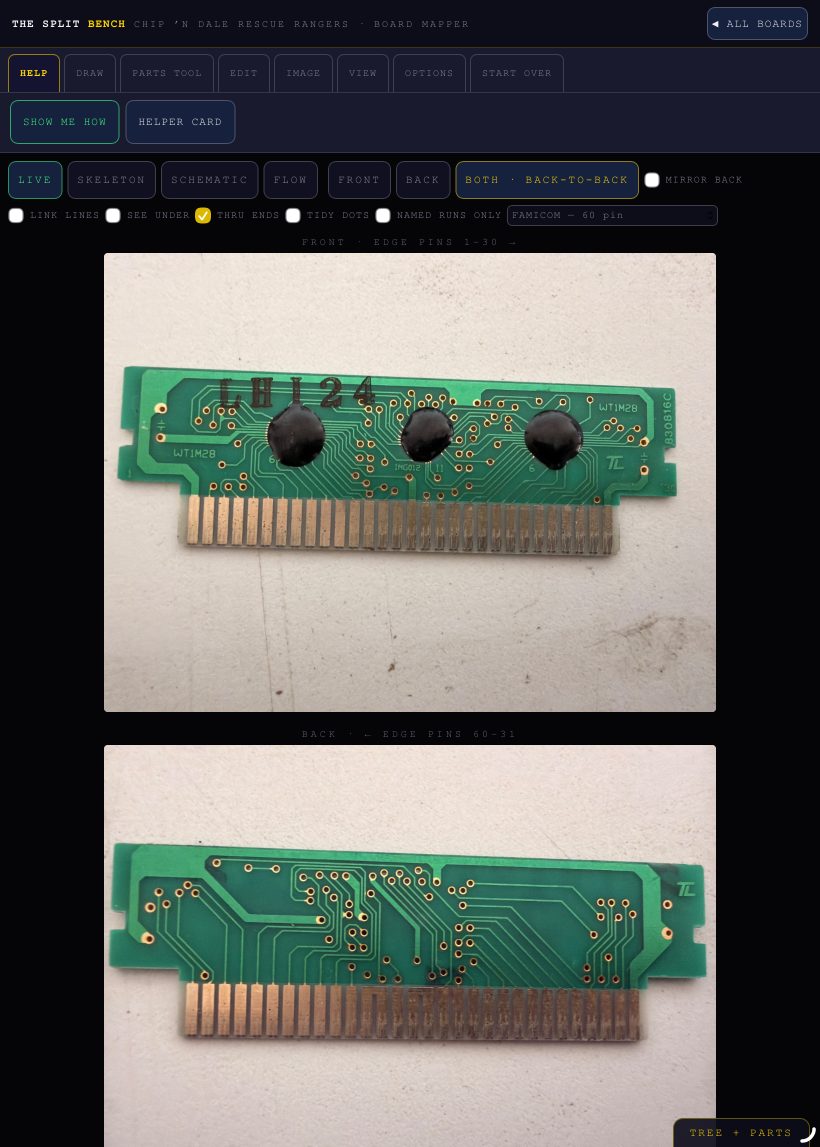
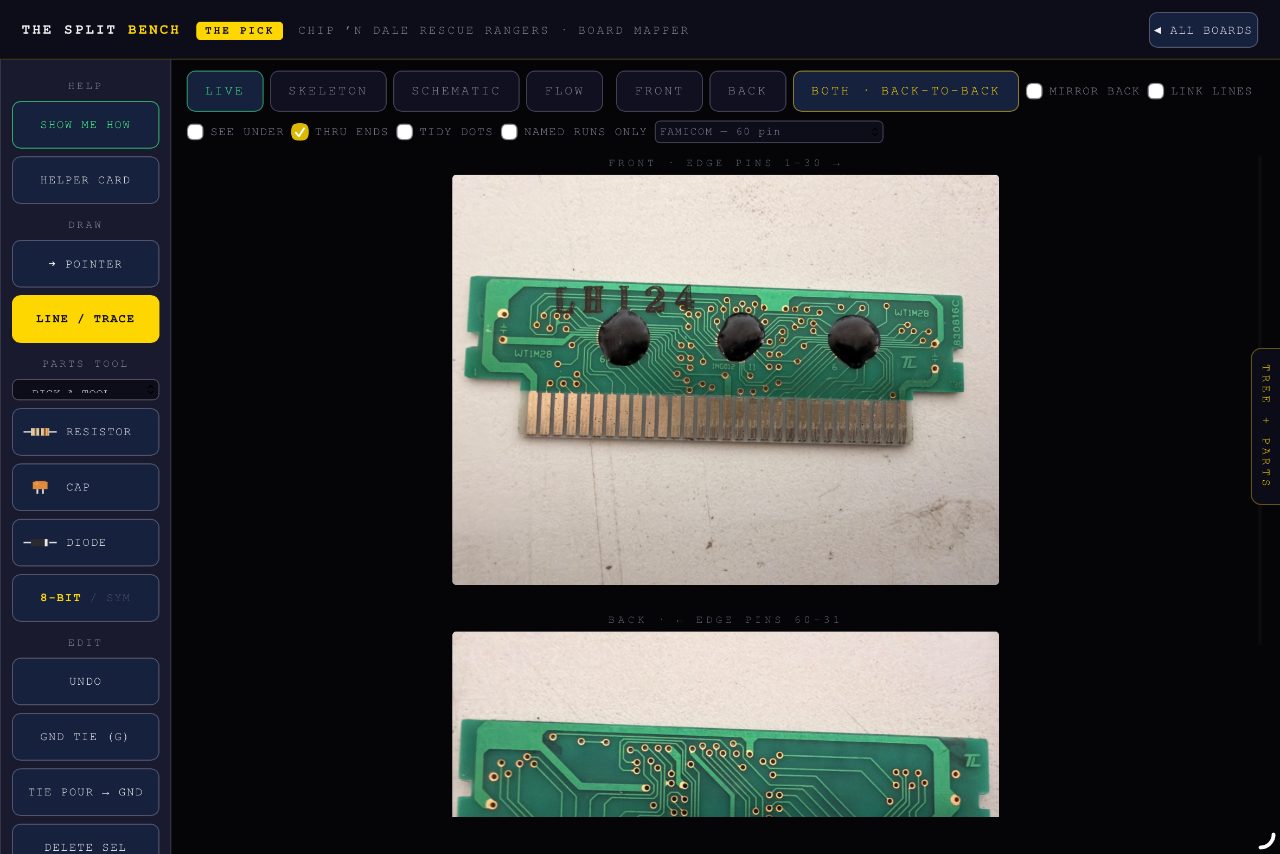
- Held upright, the tool rail lies flat across the top and its groups become tabs — every group fits the screen, so nothing hides behind a sideways scroll. Turned sideways, it stands back up as a column. The boards get the width either way.
- A stylus is the point. A tap lands when you lift — so resting the nib, or brushing it across the board, places nothing at all.
- Anything already down can be moved. A dot, a crop corner, an alignment mark: press it and drag it where it belongs, in whatever tool you are holding. Its wires come with it, and the board does not scroll away under you while you do it.
- Two fingers still pinch and pan while the pen is in your hand.
On iPad, Safari → Share → Add to Home Screen and it opens like an app, with no address bar and no buttons — which is how both pictures above were taken.
PCB RTC · born on the Project Lirrann bench